












How to Lock Your Aadhaar Card Online in 2026 to Prevent Identity Theft
Learn how to lock your Aadhaar card online in 2026 using the UIDAI portal or mAadhaar app. Protect your identity, prevent Aadhaar misuse, and unlock it whenever required with this step-by-step guide.
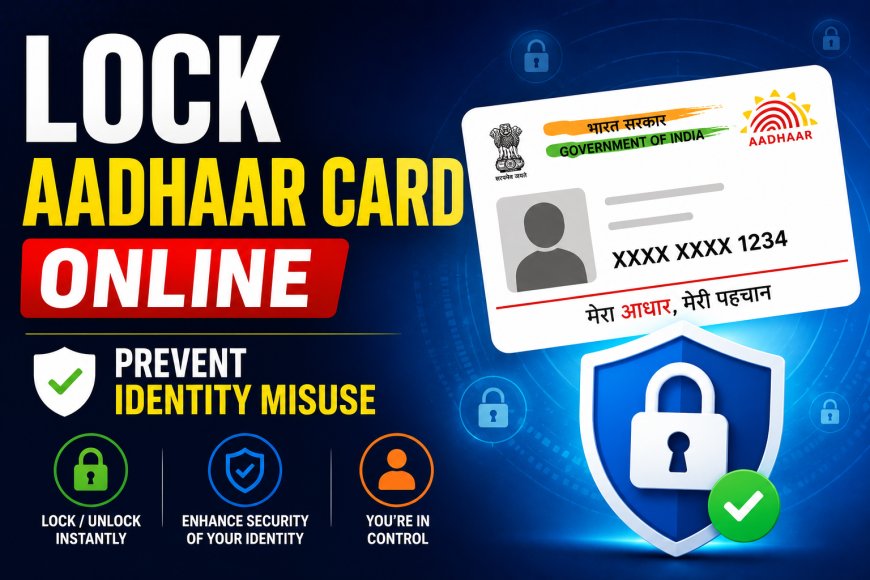
Your Aadhaar card is one of the most important identity documents in India. It is used for banking, SIM card verification, government schemes, tax filing, and many other essential services. Because it contains sensitive personal information, protecting it from misuse has become more important than ever.
Many people don't realize that UIDAI allows Aadhaar holders to lock their Aadhaar online whenever they are not using it. This simple security feature can help reduce the risk of identity theft and unauthorized authentication. If you're wondering how to secure your Aadhaar card, here's a complete step-by-step guide.
Why Should You Lock Your Aadhaar?
Although Aadhaar is protected by multiple security layers, fraudsters continue to look for new ways to misuse personal identity documents.
Locking your Aadhaar adds an extra level of security by preventing authentication unless you unlock it yourself. This means even if someone gains access to your Aadhaar number, they cannot use it for authentication without your permission.
For users who don't require Aadhaar verification every day, keeping it locked is a smart precaution.
What Happens After You Lock Aadhaar?
Once Aadhaar is locked, authentication requests using your Aadhaar number will not be processed until you unlock it.
Whenever you need Aadhaar authentication-for example while opening a bank account, completing KYC or accessing government services-you can temporarily unlock it within minutes and lock it again afterward.
This gives users complete control over when their Aadhaar can be used.
How to Lock Aadhaar Through UIDAI Website
The UIDAI website allows users to lock Aadhaar online without visiting any office.
The process is straightforward:
- Visit the official UIDAI portal.
- Select the Aadhaar Lock or Unlock service.
- Enter your Aadhaar number or Virtual ID (VID).
- Verify your identity using the OTP sent to your registered mobile number.
- Confirm the request to activate Aadhaar Lock.
Once completed, your Aadhaar remains protected until you choose to unlock it.
You Can Also Use the mAadhaar App
UIDAI's official mAadhaar mobile application also provides the Aadhaar Lock feature.
After logging into the app using your registered mobile number, users can access Aadhaar services and enable the lock feature directly from their smartphone without opening a browser.
The app also offers several other Aadhaar-related services, making it convenient for everyday use.
How to Unlock Aadhaar Whenever Needed
Unlocking Aadhaar is just as simple as locking it.
Users need to:
- Visit the UIDAI portal or open the mAadhaar app.
- Choose the Unlock Aadhaar option.
- Verify their identity using the registered mobile number and OTP.
- Confirm the unlock request.
Authentication services become active immediately after successful verification.
Keep Your Mobile Number Updated
The Aadhaar Lock facility works only if your mobile number is linked with Aadhaar.
Every authentication request requires OTP verification, so users should ensure that their registered mobile number remains active. If your number has changed recently, update it through UIDAI before relying on online Aadhaar services.
Use Virtual ID Instead of Sharing Aadhaar Number
Another useful security feature provided by UIDAI is the Virtual ID (VID).
Instead of sharing your actual 12-digit Aadhaar number, you can generate a temporary Virtual ID for authentication. This reduces the chances of your Aadhaar number being unnecessarily exposed during verification processes.
Many organizations now accept VID as an alternative to Aadhaar.
Additional Ways to Protect Your Aadhaar
Locking Aadhaar is only one part of staying secure.
Users should also avoid sharing Aadhaar photocopies unless absolutely necessary, never post Aadhaar details on social media, verify websites before entering Aadhaar information, and regularly review authentication history through UIDAI services.
Simple precautions can significantly reduce the chances of identity misuse.
Common Mistakes Aadhaar Holders Should Avoid
Many people unknowingly expose their Aadhaar details by storing unprotected digital copies or sharing documents through unsecured messaging platforms.
Avoid sending Aadhaar copies unless required by trusted organizations. Whenever possible, use masked Aadhaar copies that hide part of your Aadhaar number while still serving as valid identity proof for many verification purposes.
Final Thoughts
As Aadhaar continues to play an increasingly important role in banking, taxation, government services, and digital verification, protecting it should become a routine habit. The Aadhaar Lock feature offered by UIDAI provides a simple yet effective way to reduce the risk of unauthorized use without affecting your ability to access essential services.
By locking your Aadhaar when it's not in use, keeping your mobile number updated, using Virtual ID wherever possible, and following basic digital safety practices, you can significantly strengthen your identity protection and enjoy greater peace of mind in 2026.