













Digital Parenting Tips: How to Keep Your Kids Safe Online?
Learn essential digital parenting rules to keep kids safe online, manage screen time, and teach responsible internet habits effectively.
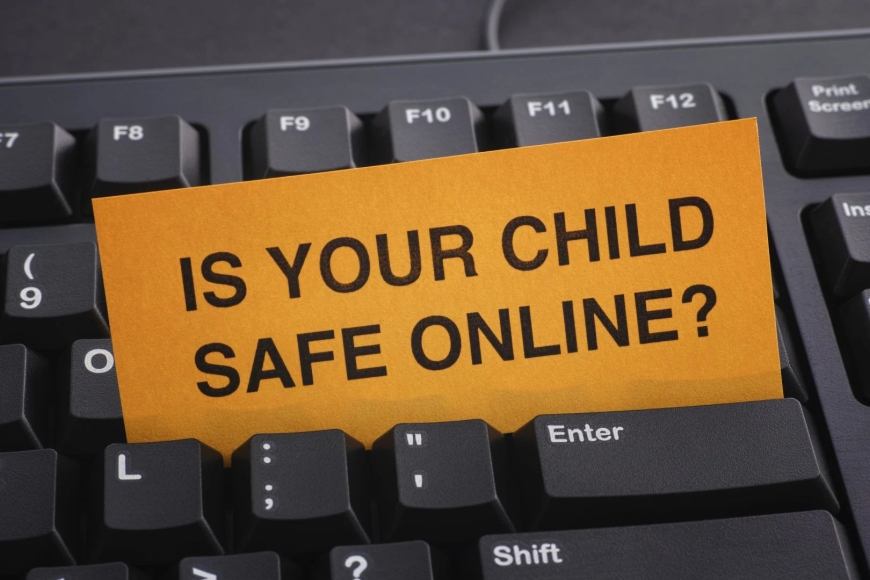
In today’s world, the internet is an integral part of every child’s life. From online classes to entertainment, kids spend hours online every day. While the internet offers countless opportunities, it also exposes children to risks like cyberbullying, inappropriate content, and online predators. As a parent, it’s crucial to set rules and create a safe digital environment. Here are ten essential rules every parent should follow to keep their child safe online.
1. Talk About Online Dangers Early
Children start exploring the internet at a young age. Begin conversations about internet safety as soon as they start using devices. Use simple language to explain risks like talking to strangers or sharing personal information. Regular discussions make children feel comfortable coming to you when something goes wrong.
2. Set Age-Appropriate Limits
Every child is different, but experts recommend limiting screen time for young kids. Establish clear rules for daily internet use. For example, primary school children might have one hour of screen time on weekdays and two hours on weekends. As they grow, adjust limits based on maturity and school needs.
3. Use Parental Controls
Most devices, apps, and browsers offer parental control settings. Use them to block harmful websites, limit app downloads, and monitor your child’s activity. While parental controls aren’t foolproof, they add an important layer of protection.
4. Keep Devices in Common Areas
Encourage kids to use tablets, laptops, or phones in living rooms or other shared spaces. Avoid letting them use devices alone in bedrooms for long periods. Keeping screens visible helps you notice suspicious behavior or concerning content early.
5. Teach Strong Password Habits
Children often pick easy-to-guess passwords like “1234” or their pet’s name. Teach them how to create strong, unique passwords with a mix of letters, numbers, and symbols. Remind them never to share passwords with friends or strangers online.
6. Explain Privacy Settings
Show your child how to use privacy settings on apps and social media. Help them set profiles to “private” so only approved friends can see their posts. Emphasize that they should never accept friend requests or messages from people they don’t know in real life.
7. Monitor Social Media Activity
If your child uses social media, regularly check their profiles, friends list, and posts. Look out for signs of cyberbullying, inappropriate messages, or risky behavior. Let your child know you’re monitoring them to keep them safe, not to invade their privacy.
8. Be Aware of Online Games
Many popular games have chat features where strangers can interact with your child. Research the games they play, check ratings, and talk about safe gaming behavior. Remind them never to share personal details or meet anyone they only know online.
9. Encourage Open Communication
Make sure your child knows they can talk to you about anything that makes them uncomfortable online. Reassure them they won’t get in trouble for speaking up. This trust helps children report issues like online bullying or suspicious messages right away.
10. Lead by Example
Children learn from what they see. Model good digital habits by avoiding oversharing on social media, not using devices excessively, and being respectful online. Show them how to use the internet responsibly, and they’ll be more likely to do the same.
Conclusion
Digital parenting is about guiding children to use the internet safely and responsibly. By setting rules, staying involved, and maintaining open communication, parents can protect their kids while helping them make the most of the online world. Remember, the goal isn’t to scare children about technology but to empower them with the knowledge to navigate it wisely.