












Google Drive Storage Full? 10 Easy Ways to Free Up Space Without Deleting Important Files
Running out of Google Drive storage? Discover 10 simple and effective ways to free up Google Drive space without deleting important files. Learn smart storage management tips for Gmail, Google Photos, and Drive.
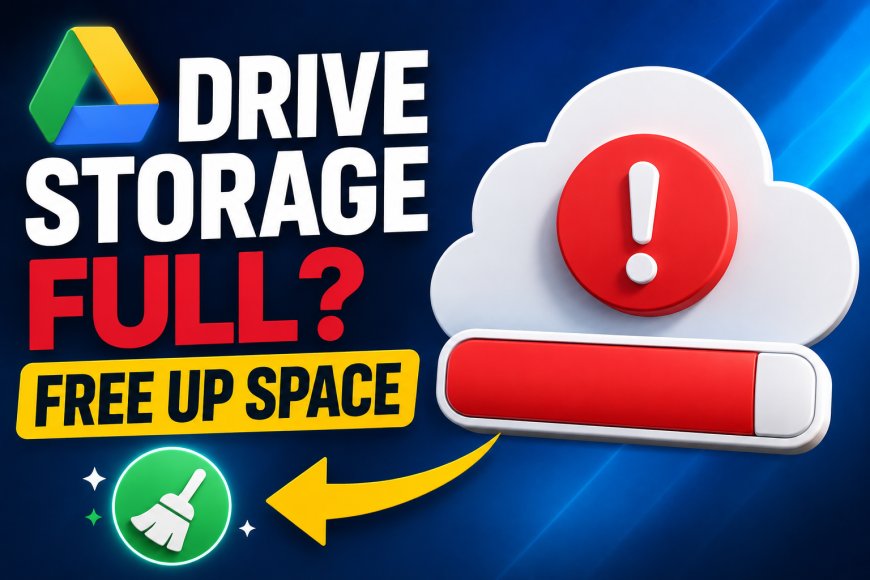
If you've recently seen the message "Google Storage Full", you're not alone. Millions of users rely on Google Drive to store documents, photos, videos, and important files. However, Google provides only 15GB of free storage, which is shared across Google Drive, Gmail, and Google Photos. Once that limit is reached, you may stop receiving emails, fail to back up photos, or face problems uploading new files.
The good news is that you don't always need to buy extra storage or delete valuable documents. By making a few smart changes, you can recover a surprising amount of space while keeping your important files safe. Here are 10 practical ways to free up Google Drive storage without losing the data you actually need.
1. Find Out What's Using Your Storage
Before deleting anything, understand where your storage is being consumed. Many users assume Google Drive is full, but in reality, Gmail attachments or Google Photos backups may be using most of the available space.
Visit your Google storage management page to see a complete breakdown of storage usage. This helps you identify the biggest storage hogs and decide where to begin cleaning up.
2. Remove Large Files You No Longer Need
Old videos, ZIP files, software installers, and outdated presentations often take up hundreds of megabytes or even several gigabytes.
Instead of browsing folder by folder, sort your files by size. You'll quickly spot large files that are no longer useful. Deleting just a handful of unnecessary large files can instantly free significant storage.
3. Empty the Trash Folder
Many people forget that deleted files continue occupying storage until the Trash is permanently emptied.
After removing unwanted files, open the Trash folder in Google Drive and permanently delete everything inside. This simple step can recover storage immediately without affecting files you've chosen to keep.
4. Clean Up Gmail Attachments
Emails with large attachments quietly consume storage over time. Promotional emails, old project files, forwarded presentations, and high-resolution images often remain in your inbox for years.
Search your Gmail for large attachments using built-in search filters and remove emails you no longer need. Clearing just a few oversized emails can make a noticeable difference.
5. Optimize Google Photos Backup Quality
Google Photos is another major reason users run out of storage.
If you're backing up every photo and video in original quality, your storage can fill up much faster. Switching to Google's storage-saving backup option for future uploads helps reduce storage usage while still maintaining excellent image quality for everyday viewing.
6. Delete Duplicate Files
It's common to upload the same document multiple times, especially when working on different versions of projects.
Review your Drive periodically for duplicate PDFs, presentations, spreadsheets, and images. Keeping only the latest version helps reduce clutter while freeing additional storage.
7. Remove Unused Shared Files
Files shared with you don't count toward your storage unless you've made copies. However, files you've shared with others from your own Drive still use your storage.
Review old project folders, completed work files, and outdated collaborations. If they're no longer needed, remove them or transfer ownership where appropriate.
8. Compress Old Photos and Videos Before Uploading
If you frequently upload videos or camera files, consider compressing them first.
Modern compression tools can reduce file sizes significantly without causing noticeable quality loss. Smaller files mean you can store more content without quickly exhausting your free storage limit.
9. Organize Your Drive Regularly
A well-organized Drive is much easier to manage.
Create folders for work, personal documents, photos, bills, and backups. Delete outdated downloads every few months and archive completed projects. Regular organization prevents unnecessary storage buildup and helps you locate important files faster.
10. Upgrade Only When You Truly Need More Space
If you've cleaned everything and still require additional storage, upgrading to Google One may be a better option than constantly deleting files.
Google One offers extra storage for users who frequently work with large videos, professional documents, or extensive photo libraries. Before upgrading, however, make sure you've optimized your existing storage because many users discover they don't actually need additional space after a proper cleanup.
Simple Habits That Keep Google Drive Clean
Managing storage isn't something you should do only when your account becomes full. Small habits can prevent future storage problems.
Review your Drive once every month, empty the Trash regularly, remove unnecessary Gmail attachments, and avoid uploading duplicate files. Keeping your storage organized ensures your account continues running smoothly without sudden interruptions.
Why Google Storage Fills Up Faster Than Expected
Many users are surprised when Google warns that their storage is almost full because they rarely use Google Drive directly. The reason is simple: Gmail, Google Photos, and Google Drive all share the same 15GB free storage limit.
Every email attachment you receive, every photo backed up from your phone, and every document stored in Drive contributes to the same storage pool. Understanding this shared system helps you manage your account more efficiently.
Conclusion
Running out of Google Drive storage doesn't necessarily mean you need to purchase extra space or delete valuable files. In many cases, a quick cleanup of large files, Gmail attachments, duplicate documents, and the Trash folder can recover several gigabytes within minutes.
Developing good storage habits and reviewing your account regularly can help you avoid future storage warnings while keeping your important documents, photos, and emails safe. With these simple techniques, you can make the most of Google's free storage and enjoy a cleaner, better-organized digital workspace throughout 2026.